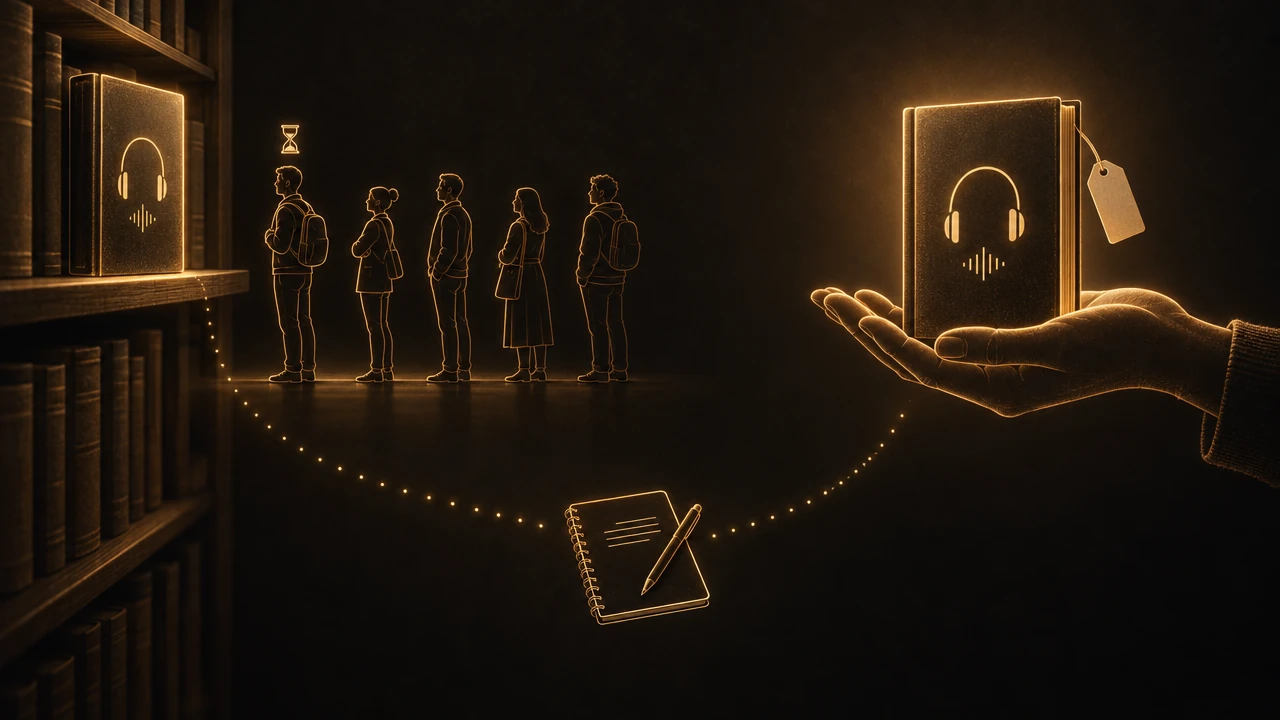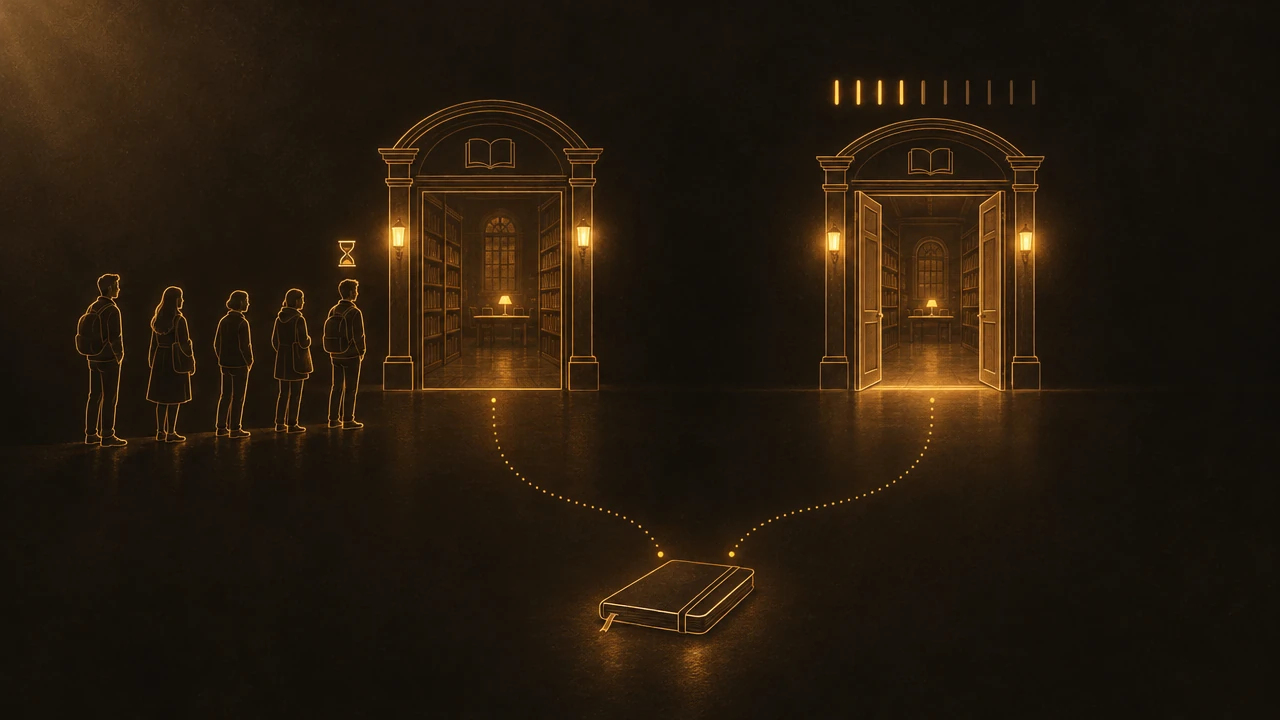
Hoopla and Libby are both free with a library card, and the difference that matters is how your library pays for them. Libby lends audiobooks your library has licensed copy by copy, so popular titles have wait lists but you can borrow as often as your loan limit allows. Hoopla charges your library every time someone borrows, so there is usually no wait at all, but you get a fixed number of borrows a month, often around ten and sometimes fewer. Use Libby for new and popular books you can wait for, and Hoopla for whatever you want to start tonight.
What is the difference between Hoopla and Libby?
Both are apps your public library pays for so you don't have to. Neither has a subscription, and whether you can use them depends on whether your library offers them.
Libby is made by OverDrive. Your library builds its Libby collection title by title, often shared with other libraries in a consortium, and it can buy more copies or add a book you request. Hoopla is run by Midwest Tape. Your library switches on access to a catalog it does not pick title by title; the Caledon Public Library in Ontario writes that it "doesn't have the ability to add or remove titles" in Hoopla.
Both lend ebooks and audiobooks. Libby adds magazines; Hoopla adds comics, music, TV and a larger film catalog. For someone listening to nonfiction, the audiobook side is what counts, and there the two apps behave almost like opposites.
Why does Libby have wait lists and Hoopla doesn't?
Because the library pays in two different ways.
On Libby, a library licenses copies. Usually one copy serves one listener at a time, so a popular audiobook works like a popular paper book: if every copy is out, you join the holds list. We covered the economics of those licenses, including why libraries pay several times the consumer price, in Libby vs Audible.
On Hoopla, there is no copy to wait for. The library pays a fee each time a title is borrowed. Spokane County Library District (SCLD) described it in February 2025: Hoopla works "through a pay-per-use model, which means that SCLD pays for each item checked out by our library customers," and "the library is charged whether a borrowed item is opened and used or not."
That one fact explains everything else about Hoopla. Since any number of people can borrow the same audiobook at once, nobody waits. Since every borrow costs money, the library has to cap how many you take.
How many books can you borrow on Hoopla and Libby?
On Hoopla, a set number of borrows per calendar month. Hoopla's own blog for librarians, published in August 2025, says "most libraries offer around 10 circulations per patron per month." Library help pages show how much that varies: Napa County allows 7 a month, Caledon 10, Crandall Public Library 15. The count resets on the first of the month, and unused borrows do not carry over. Some libraries also set a daily cap for all patrons together, so on a busy day Hoopla can tell you the library's limit has been reached even if you have borrows left.
Hoopla also runs Bonus Borrows during the last seven days of each month, which do not count against your limit.
On Libby, you have a number of loans at a time and a number of holds, both set by your library. Caledon allows 10 of each; other libraries allow 3 or 20. Return a book and the slot is free again the same day.
The practical difference: on Libby a heavy listener waits, and on Hoopla a heavy listener runs out.
How long do Hoopla and Libby loans last?
Hoopla audiobooks are usually lent for 21 days; Napa County and Crandall both list that period, and you do not get to pick a shorter or longer one.
Libby lets you choose 7, 14 or 21 days when you borrow, depending on what your library offers, and the choice becomes your default. When a loan ends on either app, the book disappears from your device, downloaded or not.
What is Hoopla Flex?
Flex is the part of Hoopla that works like Libby. Many libraries now buy some titles for Hoopla on a one copy, one user basis, usually popular ebooks and audiobooks that are not in the regular catalog. The Orange County Library System in Florida, for example, describes Flex Borrows as "one copy/one user," lends them for 21 days, and allows 5 at once and 10 holds.
Flex titles do have wait lists, and you can renew only when nobody is waiting. But Flex borrows usually do not count against your monthly limit. Flex titles carry an arrow icon; regular borrows, which Hoopla calls Instant, carry a lightning bolt.
So "Hoopla has no waits" is only true for Instant titles. If your library offers Flex, the newest books on Hoopla may queue just like on Libby.
Which has more audiobooks, Hoopla or Libby?
It depends on your library, and the pattern is fairly consistent. Libby tends to have more new releases and bestsellers, because librarians buy them directly and can add copies when holds pile up. Hoopla's Instant catalog leans toward older titles. The Caledon library puts it plainly: Hoopla "doesn't always have the newest books available."
For nonfiction, that can work in Hoopla's favor: a history or psychology book from a few years ago that has a long wait on Libby may be available instantly on Hoopla, because nobody has to return it first. The quickest test is to search both apps for the next three books on your list and see which one says Borrow.
Which app is better for taking notes on an audiobook?
Libby, by a clear margin, if you listen to learn.
In the Libby audiobook player you can add a bookmark, highlight a stretch while it plays by pressing and holding the bookmark button, and attach a note to either. The timeline shows your bookmarks and highlights alongside the chapter breaks. Libby's help center, updated September 3, 2026, also lets you export those notes, highlights and bookmarks "even after it's returned": open the title, choose Actions, then Export Reading Data, and pick a web page table or a spreadsheet.
Hoopla's audiobook player has bookmarks too, and since a 2021 update you can add a note to any bookmark. It also offers speeds up to 4x and a sleep timer that can stop at the end of a chapter. What we could not find, in Hoopla's materials or in library guides, is any way to export those notes. They stay inside the app.
That difference matters most after the loan ends. The audiobook goes back either way; what you wrote down is the part you will use later. Our guide on how to remember what you listen to covers what to do with those notes so they turn into memory rather than a list.
Can you move Hoopla or Libby audiobooks to another app?
No. Both apps lend copy-protected audiobooks that play only inside their own players until the loan ends. That rules out every tool that works with the audio file itself. Graspd, which sets marks while you listen and builds recaps and quizzes from them, can import neither Hoopla nor Libby titles; it works with podcasts and with audio you own outright.
Should you use Hoopla, Libby or both?
If your library offers both, use both. They cover each other's weak spot.
Libby for new and popular books. Place holds the day you hear about a book and keep several in line, so something is always arriving. Libby's help center gives you 72 hours to borrow a hold once it comes in, and you can suspend it if the timing is bad.
Hoopla for now. When you want to start something tonight and everything on your Libby list is waiting, search Hoopla. Spend your monthly borrows on books you will actually finish; a borrow you open and abandon costs your library the same as one you finish.
Watch the end of the month. If your library takes part in Bonus Borrows, the last seven days are when Hoopla borrows are free of your limit.
If you are also wondering whether a paid service is worth adding on top, Is Audible Worth It? compares its plans with what libraries give you for free.
FAQ
Is Hoopla better than Libby?
Neither is better overall. Hoopla is better when you want a book right away, because Instant titles have no wait list. Libby is better for new releases, for listening a lot without a monthly cap, and for notes, since it lets you export bookmarks, highlights and notes even after a loan ends. Most listeners whose library offers both use both.
Why does Hoopla have a monthly limit?
Because your library pays a fee every time someone borrows a Hoopla title, whether or not they open it. With no copies to run out, the only way to control spending is to cap borrows, typically around ten per person per month. Some libraries add a daily cap across all patrons and lower the monthly number when budgets tighten.
Does Hoopla have wait lists?
Not for Instant titles, which anyone can borrow at once. Hoopla Flex titles are different: your library buys them one copy for one user, so they have holds and wait lists like Libby. Flex borrows usually do not count against your monthly Instant limit. Look for the arrow icon on Flex titles and the lightning bolt on Instant ones.
How long can you keep a Hoopla audiobook?
Usually 21 days, the period libraries such as Napa County and Crandall list for audiobooks, and you cannot choose a different one. When the loan ends, the audiobook is returned automatically and removed from your device. Flex audiobooks are also lent for 21 days at libraries such as Orange County, Florida, and can be renewed only if nobody else is waiting for them.
Can you take notes in Hoopla and Libby audiobooks?
Yes in both, but only Libby lets you take them out. Libby has bookmarks, highlights and notes, and you can export them as a web page or a spreadsheet, even after returning the book. Hoopla lets you add notes to audiobook bookmarks, but we found no export option, so the notes stay inside the Hoopla app.
Are Hoopla and Libby really free?
Yes, for you. Both are free to use with a card from a library that offers them, with no subscription or late fees. Your library pays: per licensed copy on Libby and per borrow on Hoopla. That cost is the reason for Libby's wait lists and Hoopla's monthly limits, and why not every library offers both.