In the Audible app you save a moment in an audiobook with a clip, not a bookmark. Tap +Clip in the player and Audible keeps the last 30 seconds, which you can trim to anything from 5 to 44 seconds and attach a note to; every clip also leaves a bookmark at that spot. You find them under Clips & Notes in the app. Clips exist only in the Android and iOS apps, and Audible offers no way to export them.
That is the short version. The longer one explains why so many people search for "Audible bookmarks" and come away confused, what works while driving, and what to do if you want your saved moments somewhere other than Audible's app. Everything below was checked against Audible's help center on October 26, 2026.
Why can't I find the bookmark button in Audible?
Because for audiobooks there mostly isn't one anymore. Audible's help page on clips and bookmarks says, in as many words, "You can only bookmark podcasts," and that for audiobooks the Clip icon "will automatically save a bookmark along with a clip."
So the bookmark did not disappear, it moved. In the current app a bookmark is what a clip leaves behind. If you are used to an older version, or to a guide written for one, the button you are looking for is now called Clip, and the list you are looking for is called Clips & Notes.
How do you save a clip in Audible?
The steps, from Audible's help page:
- While a title plays, tap +Clip in the player. Audible saves a 30-second clip.
- To change the length, tap Edit on the "Clip Saved" banner, or later open Clips & Notes, tap the three dots and choose Edit Clip. Drag the handles to set the start and end. A clip can run from 5 to 44 seconds.
- To add a note, use the same two paths, type it and tap Save.
- To delete a clip, open Clips & Notes, tap the three dots, then Delete and confirm.
From Clips & Notes you can either play only the clip or tap Start in Player to keep listening from that point. That second option is what most people actually want a bookmark for.
Where do Audible bookmarks and clips show up?
It depends on where you are listening, and the three places do not behave the same way:
| Where | Save a clip | Add a bookmark | See your saved moments |
|---|---|---|---|
| Audible app (Android, iOS) | Yes, +Clip | Podcasts only; for audiobooks via a clip | Clips & Notes |
| Car Mode in the app | No | Yes, "Add a Bookmark" button | Back in the regular player |
| Cloud Player (web browser) | No | Yes, "Add a bookmark" | Main menu, then Bookmarks |
The help page is explicit about the web: "You aren't able to add or manage clips from the website, only the app." So if you saved a clip with a note on your phone and then open the book in a browser, the note is not there. That is expected, not a sync failure.
Can you bookmark Audible hands-free while driving?
Partly. Audible's Car Mode is a simplified player with exactly four buttons: Alexa, play and pause, back 30 seconds, and Add a Bookmark. You can make it open by itself whenever your phone connects to the car over Bluetooth, under Profile, Settings, Player.
Two caveats. Car Mode has no clip button, so what you get is a position, without the audio snippet and without a note. And the help center contradicts itself here: the Car Mode page lists a bookmark button, while the clips page says only podcasts can be bookmarked. Before you rely on it for an audiobook, add one bookmark in Car Mode and check whether it shows up afterward. Audible's pages for CarPlay and Android Auto describe playback and voice control, not saving moments.
Can you export Audible clips and notes?
No, not officially. Audible's help page describes saving, editing, playing and deleting clips and says nothing about exporting them. Readwise, whose entire business is pulling highlights out of reading apps, states in its documentation that "Audible doesn't make it possible to extract bookmarks or clips through the cloud."
What people do instead:
- Copy them by hand. Open Clips & Notes, play each clip and type what matters into your notes app. Tedious, but it works for a handful per book, and typing them out is itself a review.
- Highlight the Kindle edition. Readwise's suggested route: if you own both versions, WhisperSync keeps your place in sync, so you can pause, highlight the passage in the Kindle app and keep listening. Kindle highlights can be exported. The setup is the same one behind immersion reading, and it costs you a second copy of the book.
- Third-party extractors. A few open-source tools read the database the Audible app keeps on your device. The ones findable today are small projects, some untouched since 2018, and any app update can break them. Treat them as an experiment, not a system.
The deeper issue is that your clips live in one company's app. In 2015 an Inside Higher Ed columnist described an Audible app update that wiped his bookmarks and his place in every book, and support could not restore them. That was a bug, not a policy, but it shows where the notes you care about are stored.
How do you get more out of Audible clips?
Write the note when you save the clip, not later. A clip without a note is a timestamp, and in a month you will not remember why you saved it. Put the idea in your own words, one sentence is enough. Rephrasing is what makes the idea stick; the clip only tells you where to find it again. We go through the full method in how to remember what you listen to.
Three habits that make the list worth opening:
- Save fewer clips. If you clip every few minutes, Clips & Notes becomes a second copy of the book. Clip what changed your mind or what you want to use.
- Review them within a day. Open Clips & Notes the same evening, replay two or three, and check whether you can still say the idea without listening. If you cannot, the note needs another sentence.
- Copy the keepers out once per book. When you finish a title, move the three or four clips that mattered into the place where you keep notes. Doing this at the end of a book is less work than a weekly export that does not exist.
What if you want your moments outside Audible?
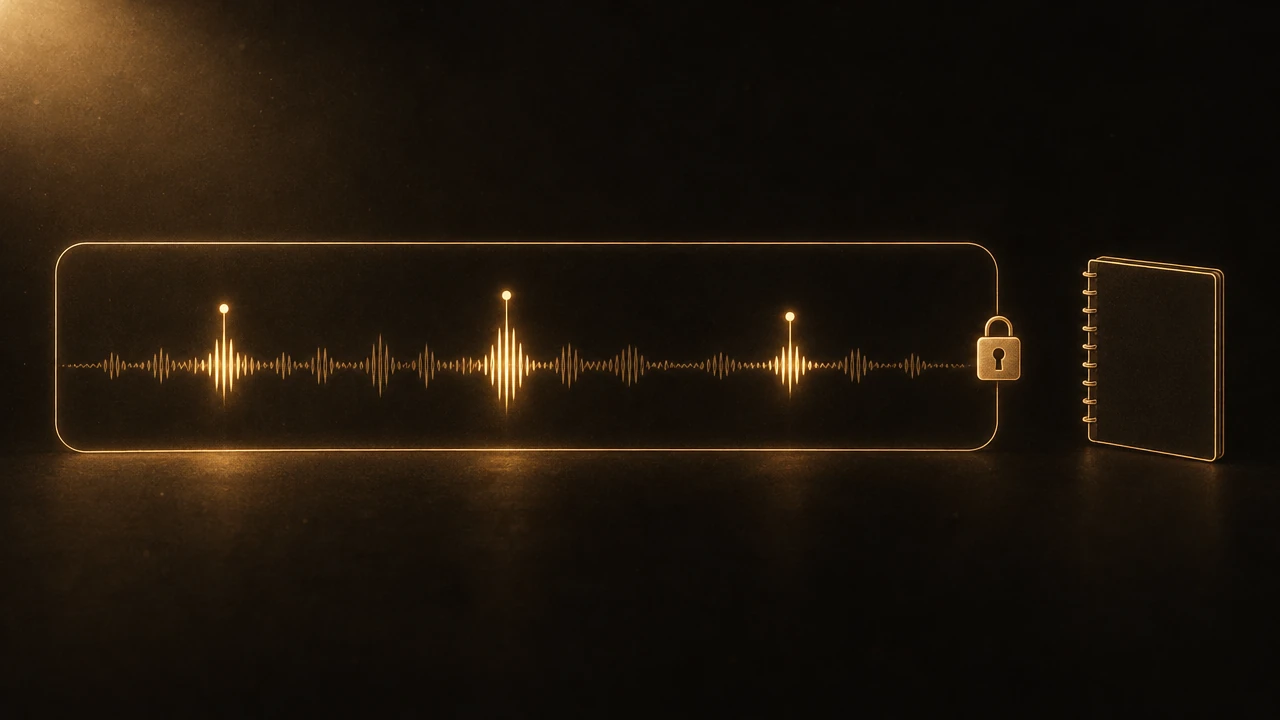
Then the audio has to come from somewhere other than Audible, and that limit deserves a plain statement: Audible's files are DRM protected and cannot be imported into any outside tool, ours included. If your library is all Audible, the steps above are as good as it gets. If you borrow through a library app instead, its notes travel differently; Libby vs Audible covers what Libby keeps after a loan ends, and Is Audible Worth It? covers the plans.
For podcasts and audiobooks you own as plain files, Graspd works the way people expect bookmarks to work. You set a mark with one tap or by speaking your note, and the transcript around that moment is attached to it, so you can read the passage without replaying it. Taps close together extend the same mark instead of creating duplicates. Your marks are searchable across everything you have heard, and they export as Markdown files, one per mark, ready for Obsidian or Notion. The capture side while driving is described in taking notes from podcasts without stopping.
FAQ
Where are my Audible clips?
In the Audible app, open the title and tap Clips & Notes in the player. Every clip you saved for that book is listed there with its note, and you can play just the clip or start listening from it. Clips do not appear on the Audible website, because the help center says they can only be added and managed in the Android and iOS apps.
Why is there no bookmark button for my audiobook?
Audible's help center says the bookmark button is for podcasts only. For audiobooks, tapping Clip saves a clip and automatically adds a bookmark at the same spot. So the button you are looking for is called Clip now. Car Mode and the browser's Cloud Player still show an add bookmark option, but they save only a position.
How long can an Audible clip be?
A clip runs from 5 to 44 seconds. Tapping Clip saves 30 seconds by default. To change it, choose Edit on the banner that appears after saving, or later in Clips & Notes, and drag the start and end handles. You can add a typed note to any clip in the same place.
Can I export my Audible notes to Notion or Obsidian?
Not directly. Audible has no export for clips, bookmarks or notes, and Readwise states it cannot pull them either. Your options are copying notes by hand, highlighting the Kindle edition through WhisperSync, or trying a third-party extractor that reads the app's local data. Those tools are small projects and can stop working after any app update.
Can I bookmark Audible in Car Mode?
Car Mode has four buttons, and one of them is Add a Bookmark, so yes, you can save a position without looking at the screen. It cannot save a clip or a note. Because the help center elsewhere says only podcasts can be bookmarked, test it once with your audiobook before you rely on it.